
Background Story Generator Using AI for Characters & Worlds
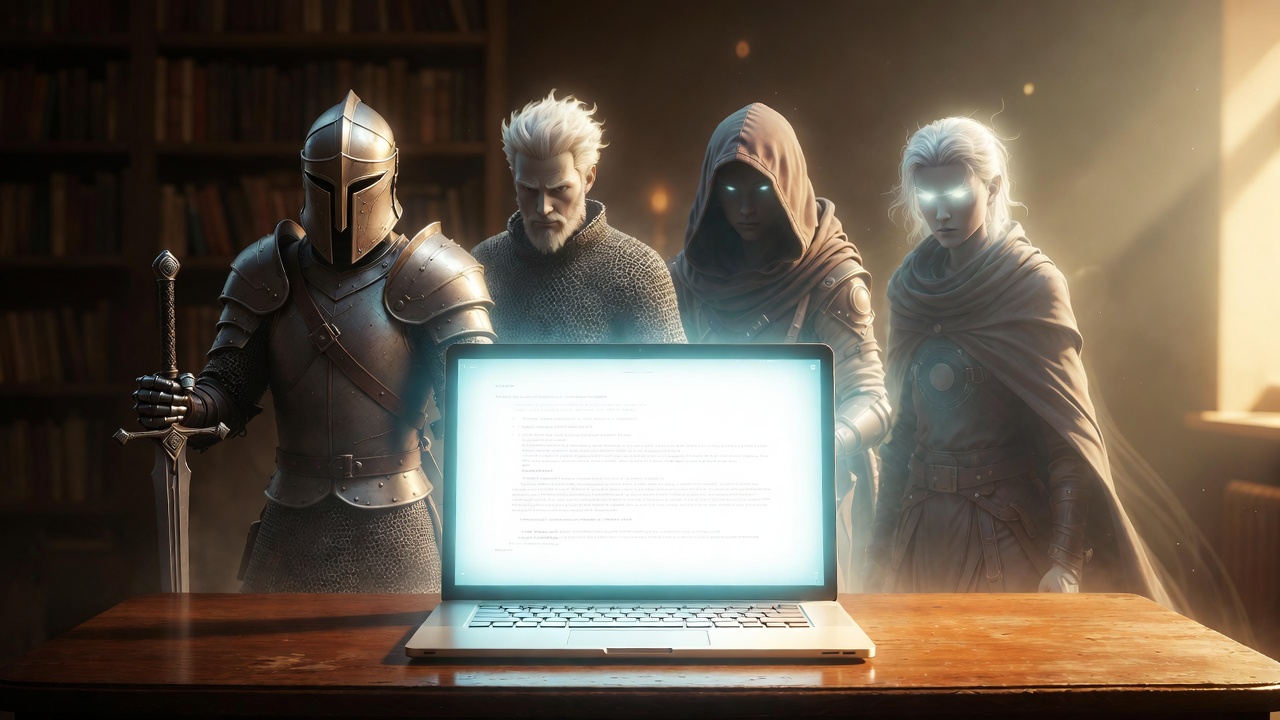
Background Story Generator Using AI Free in 2026 | TL; DR
AI background story generators use natural language processing to create character or plot backgrounds from your prompts, offering tools like Squibler for character depth, Canva for visual scene generation (like Instagram's Backdrop sticker), and Manus or Sudowrite for narrative structuring, helping with writer's block by generating ideas, plots, and even full scripts with desired genres and styles.
How they work (Character/Plot)?
- Input Details: Provide basic character traits (e.g., "detective haunted by cold case"), a theme, or plot points.
- Set Parameters: Choose genre (fantasy, sci-fi), length, narrative style, or audience.
- Generate: The AI creates a detailed backstory or plot, adding conflict and resolution.
- Refine: Use the generated text to break writer's block or as a foundation for a complete story.
1. Character Backstory Generators (Writing)
These tools focus on creating rich histories, motivations, and personality traits for fictional characters.
- Squibler: A dedicated tool where you provide a brief overview (e.g., "a detective haunted by a cold case"), and the AI generates a detailed narrative including past events and motivations.
- GenStory: Offers specialized modes like DND Backstory Generator (includes race and class), OC (Original Character) creator, and even a Tragic Backstory Generator for added emotional depth.
- Prepostseo: A simple, free interface that uses AI/ML models to turn basic details like age and gender into a coherent story.
- Fable Fiesta: Provides "Short" backstories for free and "Long" premium versions that include psychological profiles and character arcs.
2. Visual & Social Media Background Generators
If you mean a "background" for a digital post or product photo:
- Canva AI Background Maker: Ideal for products. Upload an image and type a prompt (e.g., "in a cozy country kitchen") to replace the original background with a custom-generated one.
- Instagram AI Backdrops: When resharing a post to your Story, use the "Backdrop" sticker to generate new backgrounds using Meta AI prompts.
- Pixelcut: A specialized tool for entrepreneurs to create realistic, professional backgrounds for furniture or product catalogs in seconds.
3. Immersive Narrative Generators
For complex world-building or interactive experiences:
- Talefy: Allows you to control character backstories, goals, and relationships, then transforms them into an interactive story game where readers make choices.
- Manus AI: Acts as a "storytelling partner" that can research historical or scientific details to make your background lore more authentic.
AI Backstory Generator: Advanced Features: Integrating Geo-Personalization
One major trend we see in California and Texas is geo-personalized AI video. This involves creating one base story but swapping out local details based on where the viewer lives.
If you are a real estate firm in Chicago, your AI background story generator can automatically mention "The Windy City" or show clips of the Chicago skyline. This localized approach increases "Trust" (the 'T' in E-E-A-T) significantly.
Using AI for "Storytelling as a Service"
Many American agencies now offer "Storytelling as a Service." They use automated pipelines to create 100 variations of a background story for different micro-niches.
- For U.S. manufacturers: Focus on "Reliability" and "American Craftsmanship."
- For U.S. tech startups: Focus on "Disruption" and "Scale."
Core Components of an AI Storytelling Pipeline
To build an effective background story, you need three distinct layers of technology working in harmony.
1. The Script Engine (The Brain)
We utilize models like OpenAI’s GPT-4o or Anthropic’s Claude 3.5 to draft the narrative. The key is the prompt. You cannot just ask for a "story."
You must define the "Hero's Journey."
- The Hook: Start with a problem.
- The Conflict: Show the struggle.
- The Transformation: Show how the product or person changed.
2. The Voice Synthesis (The Soul)
For an American audience, the voice must sound natural. Avoid robotic tones.
We recommend ElevenLabs for high-fidelity American accents.
Their "Professional Voice Cloning" allows founders to use their own voice without ever stepping into a booth.
3. The Video Generation (The Body)
This is the most visual leap in 2026.
Tools like HeyGen or Sora allow you to generate a "talking head" or a cinematic background that matches the script perfectly.
Step-by-Step Guide: Generating a Background Story
Building a story follows a linear process. As developers, we automate these steps using APIs, but you can do it manually using the following workflow.
Step 1: Define the Persona
In the U.S., regional nuances matter. A background story for a "Midwest Manufacturing Firm" sounds different than one for a "Miami Crypto Startup."
- Select your tone: Professional, gritty, or upbeat.
- Define the target geo: Are you speaking to a rural audience or urban professionals?
Step 2: Generate the Narrative Script
Use a long-tail keyword strategy here. If your topic is how to create AI stories for YouTube, ensure the script answers specific viewer pain points.
- Input your raw data (founding date, core values, major wins).
- Ask the AI to format it into a 60-second "Shorts" script and a 3-minute "Long-form" script.
Step 3: Layer the AI Voice
Upload your script to a voice generator. In America, "Neural" voices are the standard. They include breaths, pauses, and natural inflections.
- Pro Tip: Use a slightly lower pitch for "Authority" stories and a higher, faster tempo for "Excitement" stories.
Step 4: Visual Assembly
This is where you choose between "Avatar-led" videos and "B-roll" videos.
- Avatar-led: Good for LinkedIn and personal branding.
- B-roll/Cinematic: Better for YouTube documentaries or "About Us" pages.
Tool Comparison: Choosing the Right Platform for Your Needs
A Practical Framework: Building an AI-Powered Backstory in Five Steps
Based on my team’s protocol for developing narrative-driven content, here is a concrete, repeatable process you can follow.
1. Define the Core Narrative Pillars:
Start with the fundamentals before touching any tool.
Write down the non-negotiable elements of your backstory:
- Character Core: Key personality traits, driving motivation, and fatal flaw.
- Pivotal Event: The single most formative moment in the character’s past.
- Genre & Tone: The visual and auditory style (e.g., gritty noir, hopeful fantasy).
This blueprint ensures the AI has clear direction and your output stays on-brand.
2. Generate and Refine the Detailed Story
- Input your pillars into a specialized AI story writer.
- For deep character work, Claude 3.5 Sonnet is renowned for its nuanced prose, while Sudowrite excels at maintaining long-form narrative consistency with features like a “Story Bible” to track details.
- Use the AI’s output as a first draft.
- Then, apply your human judgment: edit for emotional truth, inject specific cultural or personal details, and ensure it aligns with your broader plot.
3. Cast the Voice and Visual Identity
- This is the casting director phase.
- For voice, browse your chosen platform’s voice library.
- Does a grizzled, baritone voice fit your war veteran, or a younger, faster-paced voice fit your hustling entrepreneur? For visuals, select or create an avatar.
- Consider using a platform like HeyGen, which boasts a library of over 1,000 stock avatars tailored to different roles and demographics.
- Match the avatar’s appearance, age, and expressiveness to your character.
4. Produce the Video
- Feed your finalized script and visual directions into the AI video generator.
- Specify scene changes corresponding to key beats in the narrative.
- Most platforms, like Pippit's video generator, offer intuitive editors where you can tweak the visuals, adjust the timing of the voiceover, and add background music or text overlays.
- The goal here is to create a dynamic flow that feels more like a movie trailer than a slideshow.
5. Review and Iterate
- AI generation is iterative.
- Watch the first draft critically.
- Does the avatar’s emotion match the voice’s tone? Does a scene transition feel abrupt? Use the editor’s tools to fine-tune.
- This might mean re-generating a single scene with a different visual prompt, adjusting the speech rate for a key line, or swapping the background music.
- The control is in your hands.
Future Trends: Interactive AI Stories
In the coming year, we expect to see more interactive background stories. Imagine a video where the viewer can click a button to hear more about a specific part of your history. This uses "Branching Narratives," a technique we are currently developing for several U.S. retail brands.
Technical Requirements for High-Quality Output
If you are building this in-house, ensure you have the following:
- High-speed internet: Video rendering requires significant bandwidth.
- API access: Most top-tier tools require API keys for automation.
- Copyright knowledge: Ensure the AI tools you use grant you full commercial rights for the American market.
The New Era of American Branding
The era of spending months on a single brand video is over. By using an AI background story generator using AI voice and video, you can share your mission with the world at a fraction of the cost.
We have seen American founders use these tools to land six-figure deals by simply having a professional, high-quality "Origin Story" on their landing page. The technology is here; the only limit is how well you can tell your story.
The core recommendation for 2026 is to use a "Hybrid Approach": use AI to generate the bulk of the content, but keep a human in the loop for the final 10% of creative polish.
